
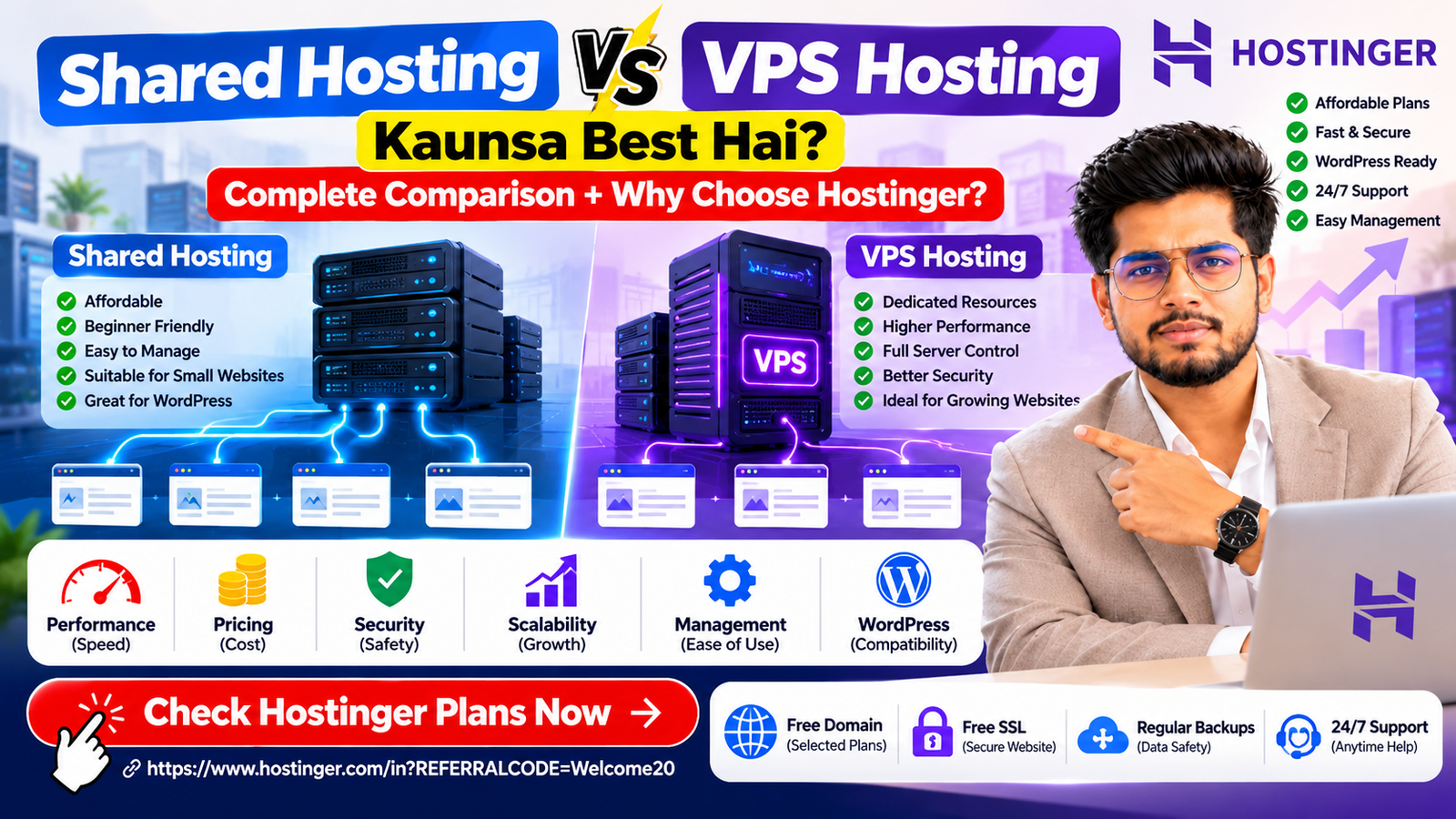
Aaj ke digital world mein website banana kisi bhi business, freelancer, blogger ya entrepreneur ke liye important ho gaya hai. Lekin website launch karne se pehle ek important decision lena padta hai sahi web hosting ka selection. Jab aap Shared Hosting vs VPS Hosting compare karte hain, toh dono options ke beech ka difference samajhna zaroori hai. Shared hosting generally beginners ke liye affordable aur easy-to-manage option hai, jabki VPS hosting un users ke liye useful hai jinhe zyada server control, allocated resources aur custom configurations chahiye. Lekin kya har website ke liye VPS hosting zaroori hai? Kya ek small business website shared hosting par achhi tarah run kar sakti hai? Aur agar aap Hostinger choose karte hain, toh aapke liye kaunsa hosting plan suitable hoga? Is article mein hum Shared Hosting vs VPS Hosting ko performance, pricing, security, scalability, WordPress compatibility aur practical use cases ke basis par compare karenge. Saath hi, hum explain karenge ki Hostinger ko consider kyun karna chahiye aur apni website ke liye right hosting plan kaise choose karna chahiye. Hostinger par hosting plans check karein: Hostinger India Hosting Plans Shared Hosting Kya Hai? Shared hosting ek web hosting service hai jahan multiple websites ek hi physical server ke resources share karti hain. Iska matlab hai ki server ka CPU, memory, storage aur network infrastructure multiple customers ke beech share hota hai. Hosting provider server infrastructure manage karta hai, jisse website owner apne content, products aur business growth par focus kar sakta hai. Isko ek apartment building ke example se samajhiye. Building mein multiple families rehti hain aur kuch infrastructure common hota hai. Isi tarah shared hosting mein multiple websites ek server environment ka use karti hain. Shared hosting affordable hoti hai kyunki server infrastructure ka cost multiple customers mein distribute hota hai. Shared Hosting Kiske Liye Best Hai? Shared hosting in users ke liye suitable ho sakti hai: For example, agar aap digital marketing agency, computer repair shop, consultancy ya local service business ke liye website bana rahe hain, toh suitable shared hosting plan aapki requirements fulfill kar sakta hai. Shared Hosting Ke Advantages 1. Affordable Pricing Shared hosting ka sabse bada advantage iska relatively low starting cost hai. Beginners kam initial investment ke saath apni website online la sakte hain. 2. Easy Website Management Hosting dashboard ke through website files, databases, domains aur other settings manage karna comparatively easy hota hai. 3. Technical Knowledge Ki Kam Zaroorat Generally, hosting provider underlying server infrastructure manage karta hai. Isliye aapko operating system aur server maintenance ki advanced knowledge ki zaroorat nahi hoti. 4. WordPress Ke Liye Suitable Bahut se shared hosting plans WordPress installation aur website management ko simple banate hain. 5. Small Business Websites Ke Liye Useful Agar aapki website mainly services, contact details, blogs aur lead-generation forms display karti hai, toh shared hosting ek practical starting point ho sakti hai. Shared Hosting Ke Disadvantages Shared hosting mein resources shared infrastructure par operate karte hain aur har account ki defined limits hoti hain. Agar aapki website bahut zyada resources consume karti hai, toh CPU, memory ya process limits reach ho sakti hain. Is situation mein website optimization ya hosting upgrade ki zaroorat pad sakti hai. Advanced server-level configuration bhi generally restricted hoti hai. VPS Hosting Kya Hai? VPS ka full form Virtual Private Server hai. VPS hosting mein virtualization technology ki help se ek physical server ko multiple isolated virtual environments mein divide kiya jata hai. Har VPS ko specified virtual CPU, RAM aur storage resources allocate kiye jaate hain. Shared hosting ke comparison mein VPS hosting zyada configuration freedom provide karti hai. Isko ek private apartment ki tarah samajhiye. Aap ek larger building ka part hain, lekin aapke paas apna separate virtual environment aur allocated resources hain. VPS hosting developers, growing businesses aur custom applications ke liye useful ho sakti hai. Lekin self-managed VPS mein server setup, updates, security aur maintenance ki responsibility bhi aapko leni pad sakti hai. VPS Hosting Kiske Liye Best Hai? VPS hosting in situations mein consider kar sakte hain: VPS Hosting Ke Advantages 1. Allocated Resources VPS plan mein specified CPU, RAM aur storage resources allocate hote hain, jisse workload planning easy ho sakti hai. 2. Greater Server Control Supported VPS configurations mein root access mil sakta hai, jisse aap operating system aur server software ko customize kar sakte hain. 3. Better Resource Isolation Virtual environment doosre VPS instances se isolated hota hai. Phir bhi actual performance provider ke hardware, virtualization aur plan configuration par depend karti hai. 4. Custom Software Support Agar aapko custom software stack ya specialized application run karna hai, toh VPS hosting zyada flexibility provide kar sakti hai. 5. Growing Projects Ke Liye Useful Jab application ki resource requirements increase hoti hain, toh suitable larger VPS plan choose kiya ja sakta hai. VPS Hosting Ke Disadvantages VPS hosting generally shared hosting se expensive hoti hai. Self-managed VPS use karne ke liye server administration, Linux commands, SSH, firewall configuration aur software updates ki knowledge useful hoti hai. Agar server properly configure nahi hai, toh security vulnerabilities aur performance issues create ho sakte hain. Isliye sirf powerful hosting ke naam par VPS purchase karna zaroori nahi hai. Shared Hosting vs VPS Hosting: Quick Comparison Shared Hosting vs VPS Hosting ka basic difference samajhne ke liye neeche di gayi table dekhein. Table 1: Shared Hosting vs VPS Hosting Features Feature Shared Hosting VPS Hosting Server environment Multiple websites shared environment use karti hain Isolated virtual server Resources Account limits ke according Allocated virtual resources Starting cost Generally affordable Generally higher Root access Usually unavailable Usually available Server configuration Limited More flexible Technical knowledge Beginner-friendly Self-managed setup mein advanced knowledge useful Server maintenance Mostly provider-managed Plan ke according responsibility Scalability Higher hosting plan par upgrade VPS resources ya plan upgrade Best for Blogs, portfolios, small business websites Custom applications, growing websites Management complexity Low Self-managed VPS mein higher Conclusion: Shared hosting affordability aur simplicity par focus karti hai, jabki VPS hosting control aur allocated resources par focus

Hostinger Coupon Code for First Time User: Get Hosting Discounts in 2026
Are you searching for a Hostinger coupon code for first time user to launch your first website at an affordable price? Whether you want to create a WordPress blog, business website, portfolio, landing page, or online store, choosing the right hosting plan with a valid discount can help you manage your initial investment. Hostinger offers web hosting, WordPress hosting, domain registration, AI website-building tools, and other online solutions. New customers can explore promotional offers through the official Hostinger website and check which discounts apply to their selected plans. In this guide, we explain how to find a Hostinger coupon code for first time user, apply the discount, compare hosting plans, and avoid common mistakes before making a purchase. Official coupon page: https://www.hostinger.com/in/pricing?REFERRALCODE=Welcome20 What Is a Hostinger Coupon Code for First Time User? A Hostinger coupon code for first time user is a promotional code or offer that eligible new customers may use to access discounted pricing on selected services. These offers can make it easier for beginners, freelancers, bloggers, and small businesses to launch their websites without paying the regular listed price upfront. Hostinger’s official India coupon page currently displays the code COUPONSPAGE on selected hosting offers. However, the availability and eligibility of a discount can change, so confirm the offer at checkout before purchasing. Source: Hostinger official coupon page. Using a valid Hostinger coupon code for first time user may help you: Important: Not every coupon works with every plan, product, or subscription period. The final checkout price determines the discount you actually receive. Latest Hostinger Coupon Code for First Time User in India If you are buying hosting for the first time, start with Hostinger’s official India coupon page. Coupon code to check: COUPONSPAGE Official website: https://www.hostinger.com/in/coupons At the time of checking, Hostinger’s official coupon page displayed promotional hosting prices, including the following examples: Hosting Plan Advertised Monthly Equivalent Example Upfront Price Single ₹69/month ₹3,312 for 48 months Premium ₹141.55/month ₹6,794.40 for 48 months Unlimited ₹236.55/month ₹11,354.40 for 48 months Cloud Startup ₹569.05/month ₹27,314.40 for 48 months Source: Hostinger India official coupon page. These prices are promotional examples, not guaranteed prices for every first-time customer. Monthly equivalents are based on longer subscriptions paid upfront, and renewal rates may be higher. Prices, taxes, and available features can change. Before using a Hostinger coupon code for first time user, verify the selected plan, billing duration, total payable amount, and renewal price. How to Apply a Hostinger Coupon Code for First Time User Follow these steps to check and apply an eligible offer. Step 1: Visit the Official Hostinger Website Open the Hostinger India coupon page. Review the available promotions and select a plan suitable for your website. Using the official website helps you avoid relying on expired or unverified coupon listings. Step 2: Choose Your Hosting Plan Consider your website requirements before selecting a plan. Check the current website limits and plan features before making a decision. Step 3: Select Your Subscription Period Hostinger may offer different pricing for different subscription durations. Longer plans can have a lower monthly equivalent but require a higher upfront payment. For example, a plan advertised at ₹69 per month may require payment of ₹3,312 for 48 months. Choose a duration that matches your budget and how long you expect to use the service. Step 4: Apply the Coupon If the selected offer requires a code, enter COUPONSPAGE in the designated coupon field at checkout and select Apply. If the discount has already been applied through the official offer page, check the order summary rather than assuming another discount can be added. Step 5: Verify the Final Price Before paying, confirm: If the code does not work, review the offer’s eligibility conditions or use the official coupon page to choose another available promotion. Step 6: Complete Your Purchase Once you have checked the final price and terms, complete the payment using an available payment method. After your purchase, you can access the hosting dashboard and start building your website. Which Hostinger Plan Is Best for First-Time Users? The best option depends on what you want to create, not just the discount percentage. Hostinger Single Plan The Single plan can be a practical starting point for a personal blog, portfolio, or simple business website that needs hosting for one website. Hostinger’s promotional listing has included 10 GB SSD storage and weekly backups with this plan, along with other listed features. Check the current plan details before buying. Hostinger Premium Plan Premium may suit freelancers, small businesses, and website owners who need support for more than one website. Depending on the current offer, it may include a domain for the first year, additional website capacity, email features, and AI tools. Compare the included features and total cost before upgrading from Single. Hostinger Cloud Startup Cloud Startup is a higher-tier option for projects that require additional hosting resources. It may be relevant for growing businesses and more demanding website projects. Beginners with a small website may not need a cloud plan immediately. Who Can Benefit from a Hostinger First-Time User Offer? A Hostinger coupon code for first time user may be relevant to different types of website owners. Bloggers: Start a blog and publish content around your interests, expertise, or business. Freelancers: Create a professional portfolio or service website to showcase your work. Small businesses: Build an online presence with service pages, business information, and enquiry forms. Digital marketing agencies: Explore hosting options for agency websites and selected projects, while checking whether the plan supports your intended use. Online sellers: Compare available hosting and eCommerce features before launching a store. Remember that hosting does not automatically guarantee website traffic, search rankings, sales, or leads. Those results depend on your website quality, marketing strategy, competition, and other factors. Expert Tips Before Using a Hostinger Coupon Code For a better purchasing decision, follow these practical checks. 1. Compare the Renewal Price A promotional price may apply only to the initial subscription term. Hostinger’s official coupon page lists renewal rates
